Gravity Forms: The Best Plugin Forms For WordPress That Transform the Way You Connect With Your Audience
Gravity Forms is the best plugin forms for WordPress that gives you the power to stop losing leads, missing payments, and wasting hours on manual processes that should practically run themselves. If you have ever stared at a blank screen wondering how to build a form that actually works the way your business needs it to, you already know the frustration. Clunky tools. Rigid layouts. Zero flexibility. And a growing stack of missed opportunities sitting right there in your analytics dashboard. That changes today.
Whether you are running an agency, launching a product, managing a nonprofit, or scaling an eCommerce operation, Gravity Forms delivers the kind of form-building experience that feels less like a technical task and more like a creative breakthrough. From your very first drag and a drop to your thousandth automated workflow, everything about this plugin is built around one goal: helping you connect with your users in ways that actually move the needle.
Everything Your Business Needs in a Single WordPress Form Builder
You should not need five different tools to capture a lead, collect a payment, trigger an email, and store a file. Gravity Forms brings all of that under one roof, turning your WordPress site into a fully functional data collection and workflow engine. This is the form builder that WordPress professionals rely on when the stakes are high and the margin for error is zero.
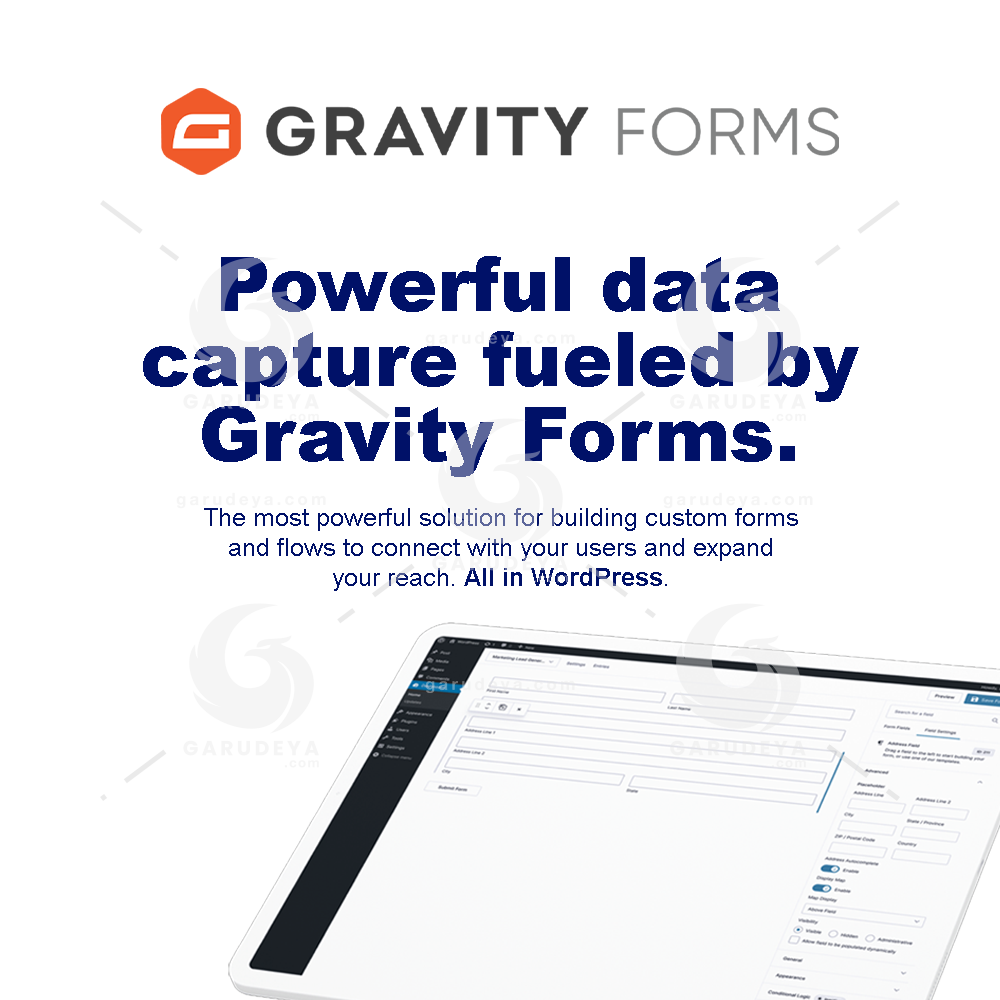
Powerful Data Capture That Works as Hard as You Do
Every form you publish is an opportunity. Every field is a question your audience is ready to answer. Gravity Forms makes sure you never waste that moment by giving you a robust, reliable data capture system that collects exactly what you need, exactly the way you need it.
Your entries are stored securely, organized neatly, and available whenever you need them. No more chasing down spreadsheets or digging through inboxes. The data is there, clean and ready to act on.
Visual Form Editor: Build Beautiful Forms Without Writing a Single Line of Code
Design Your Forms the Way You Actually Think
The visual form editor inside Gravity Forms is one of the most intuitive building experiences available for any WordPress plugin. You can see exactly what your form looks like as you build it, which means fewer surprises and more confidence before you ever hit publish.
Select your fields from a growing library, configure your settings through a clean interface, and embed your finished form anywhere on your site with a simple shortcode or block. No developer needed. No guesswork involved.
Online Payment Collection: Turn Your Forms Into a Revenue Channel
Accept Payments Without Switching Platforms
From one-time product sales to recurring subscriptions, event registrations to charitable donations, Gravity Forms supports full payment processing directly through your WordPress forms. Integrations with trusted payment gateways mean your customers enjoy a smooth checkout experience while you keep everything managed inside the same tool you already use daily.
This is not just convenient. It is a genuinely smarter way to run your business finances without juggling multiple platforms or paying for redundant software.
Workflow Automation: Stop Doing Manually What Your Forms Can Handle Automatically
Set It Up Once and Let It Run
Every form submission can trigger a chain of events: send a confirmation email, notify your team, update a record, route data to a third-party app. Gravity Forms gives you the automation controls to build those sequences without needing a developer or a complicated setup process.
Configure notifications, schedule entries, and build smart routing rules that match the real complexity of your business operations. Your time is better spent growing your business than managing repetitive tasks.
Conditional Logic: Make Every Form Feel Personal
Show the Right Fields to the Right People at the Right Moment
Nobody wants to fill out fields that do not apply to them. Conditional logic in Gravity Forms lets you display or hide fields, sections, pages, and buttons based on what a user has already entered. The result is a streamlined, highly relevant experience that feels tailored to each individual respondent.
This feature alone can significantly boost your form completion rates because people are far more likely to finish a form that feels relevant to their specific situation.
Secure Data Collection: Your Users Trust You With Their Information
State-of-the-Art Security Baked Into Every Form
Security is not optional, and with Gravity Forms, it is never an afterthought. The plugin is built with enterprise-grade protections that guard your submissions against unauthorized access, data breaches, and common vulnerabilities. CAPTCHA support, SSL compatibility, and strict access controls work together to create a system your users can trust and your legal team can respect.
Collect sensitive information, payment details, and personal data with the confidence that it is being handled responsibly every step of the way.
File Uploads: Collect Documents, Images, and Attachments With Zero Hassle
Add a File Upload Field and Watch the Submissions Roll In
Need a portfolio submission? A signed document? A headshot for a registration form? Just add a file upload field and Gravity Forms handles the rest, saving attachments directly to your server and linking them to the relevant entry. It is one of those features that sounds simple and turns out to be incredibly powerful once you start using it across your workflows.
Make Your Forms Look and Feel Professional With Advanced Layout Tools
Drag and Drop Form Builder: More Than 30 Field Types at Your Fingertips
Build Complex Forms in Minutes, Not Days
The drag and drop builder gives you total creative control without the learning curve. Choose from over 30 field types, pull them into your layout, rearrange them instantly, and preview your finished form before it ever goes live.
Start with a pre-built, fully customizable template and customize from there
Add fields with a single click and move them anywhere with a simple drag
Duplicate and edit fields without touching any code
Let conditional logic handle the heavy lifting when forms get complex
Column Layouts: Clean, Compact, and Completely Customizable
Design Forms That Look Great on Every Screen
Why stack every field in a single long column when you can build a compact, professional layout that respects your users’ time? Gravity Forms supports up to four columns per row, giving you the flexibility to place fields side by side and create forms that feel polished rather than overwhelming.
Flexible column widths, responsive behavior across all screen sizes, and true visual control over your layout mean your forms will look just as sharp on a smartphone as they do on a desktop monitor.
Accessible Forms Built for Every User
WCAG 2.1AA Compliance Without the Extra Work
Accessibility is not a bonus feature. It is a baseline standard that every professional website should meet, and Gravity Forms makes it remarkably easy to get there. Semantic HTML, proper ARIA labels, keyboard navigation support, and screen reader compatibility are all built into the core of every form you create.
Clear error handling and validation messages ensure that every user, regardless of ability or assistive technology, can complete your forms without friction. Because a form that not everyone can use is a form that is leaving people behind.
Gravity Forms is not just another WordPress plugin. It is the professional standard for form building, data collection, payment processing, and workflow automation all in one place. If you are serious about your website, your business, and your users, this is the tool that makes every interaction count.
How to Download this item at Garudeya.com
The method is quite easy, click this link, you will be directed to this item download tutorial
> We do not offer any additional services from authors, such as product customization or license keys. We are not affiliated or associated in any way with any third party developers or trademark owners. > This product is intended for testing purposes only. To respect the original developer, we still recommend you to purchase the original product through the official sales site. > 100% Clean Files & Free From Viruses & Free From Malware > Unlimited Use > Instant Download